Every pedal in depth
Nineteen pedals.
Every knob explained.
Six knobs per pedal, each with a second control under SHIFT, plus modes, switches, a footswitch action and a motion output that any other pedal can follow.
01 · Saturation
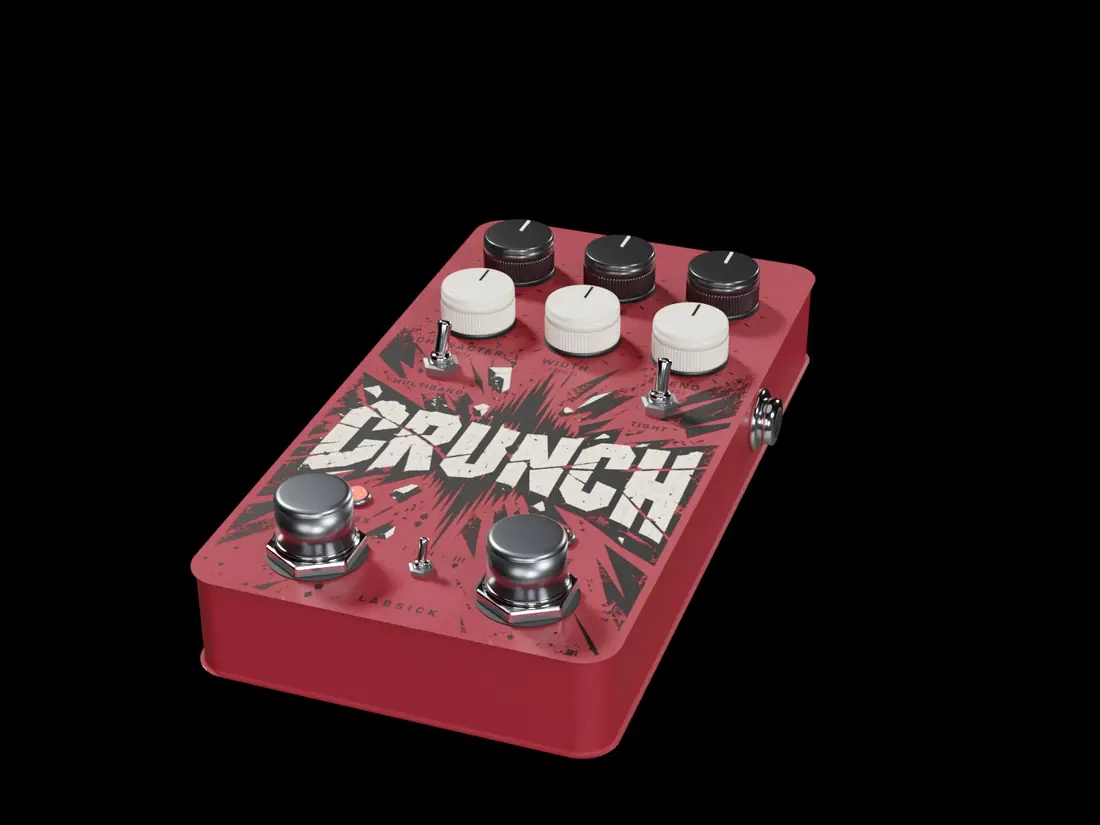
CRUNCH
Saturation built like a chain of analog stages. One to three stages in series, eight curves you travel through continuously, a resonance that decides which part of the sound gets pushed, and a protected low end: the bass of your loop never goes through the distortion, so you get edge and harmonics without losing weight.
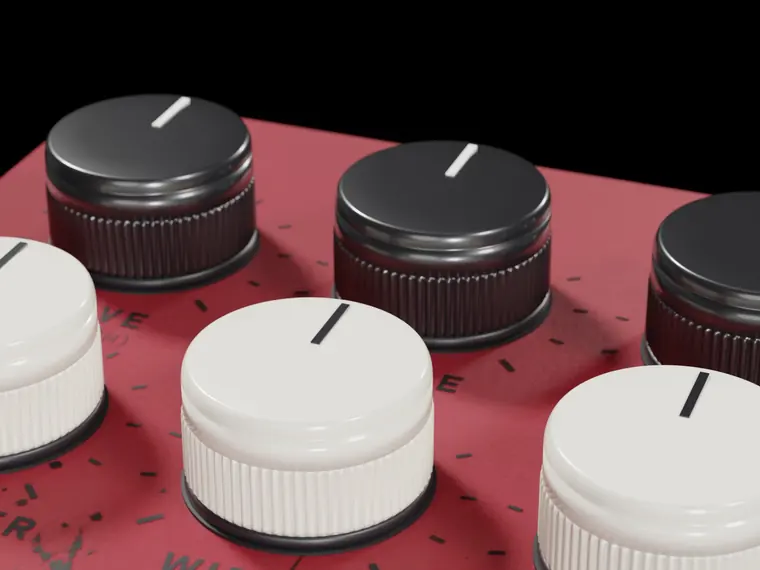
The six knobs
Each knob has a second control under SHIFT.
| 1 | Drive How hard the stages are driven. The first half is gentle colour; the second half climbs fast. | SHIFT · Breath The drive rides the loop's transients, so the saturation breathes with the groove. |
| 2 | Shape Travels through eight curves: Tube, Tape, Fold, Soft, Hard, Sampler, Rectify, Fuzz. Neighbours blend into each other. | SHIFT · Bias Asymmetry of the curve. Off-centre adds even harmonics: warmer, more valve-like. |
| 3 | Tone Low-pass after the stages, 400 Hz to 12 kHz. | SHIFT · Focus The frequency the CHARACTER resonance sits on, 80 Hz to 8 kHz. |
| 4 | Character A resonance in front of the drive: it chooses which part of the sound is pushed hardest. | SHIFT · Reso How narrow that resonance is. |
| 5 | Width Stereo width of the harmonics CRUNCH creates. Your source keeps its own image. | SHIFT · Sway Lets the focus band drift slowly from phrase to phrase. |
| 6 | Blend Saturated signal against clean signal. | SHIFT · Slip Musical stumbles: at chosen places a cell repeats, chokes or drops out. Never on the first beat of a phrase. |
Modes
One, two or three stages in series. More stages is thicker and more compressed, not just louder.
Switches and footswitch
- Multiband Splits the sound in bands so lows and highs saturate separately and the low end stays clean.
- Tight Raises the protected low band to 220 Hz: tighter, less bass in the distortion.
- Boost More drive while it is on.
Motion out
How hard the stages are working. Any knob of another pedal can follow it with a thread.
Try this
- Parallel CRUNCH on drums (route PARALLEL, BLEND high): body on top, transients untouched.
- SHAPE on Tape with DRIVE low is glue; on Sampler it is the sampler crunch of boom bap.
02 · Tape machine
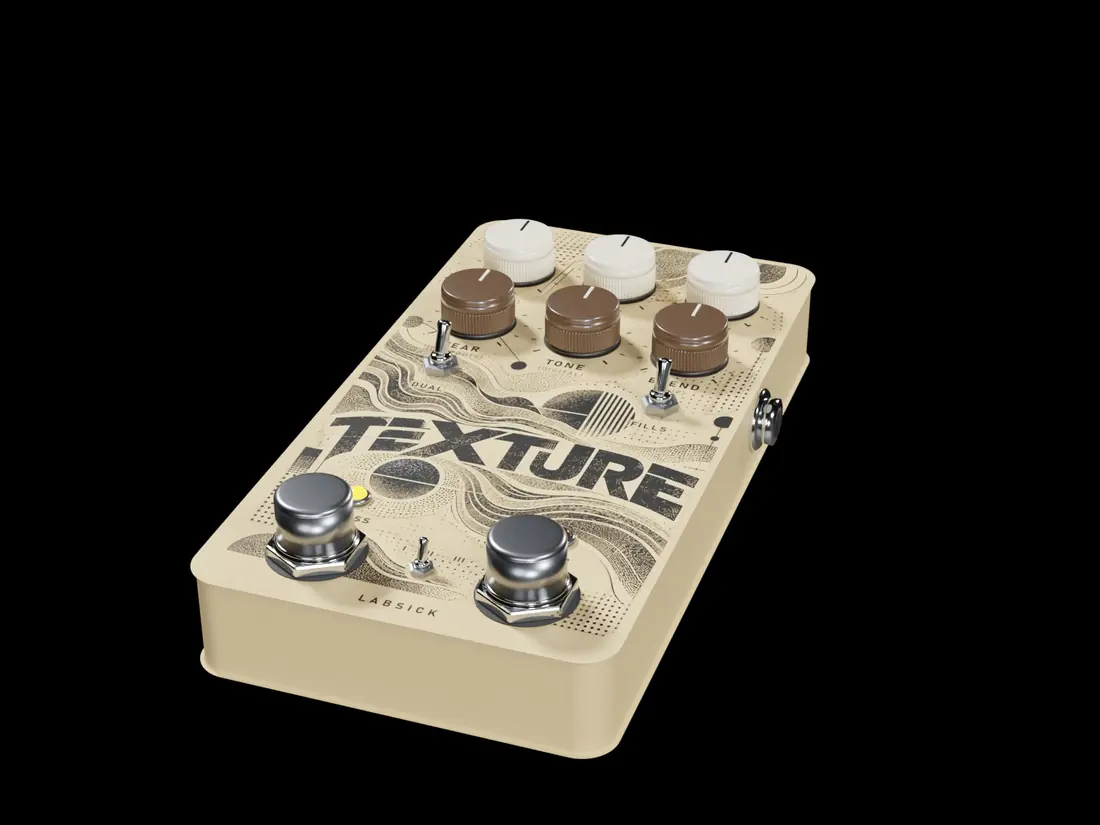
TEXTURE
Eight machines in one box: reel-to-reel, cassette, VHS, vinyl and four classic samplers (12-BIT, SWING, WARM SAMPLER, LOFI SAMPLER), plus six vinyl programs that each play a different real record surface. Every machine has its own wow and flutter, its own losses and its own grit. The noise is always a real recording, and NOISE at zero is true silence.
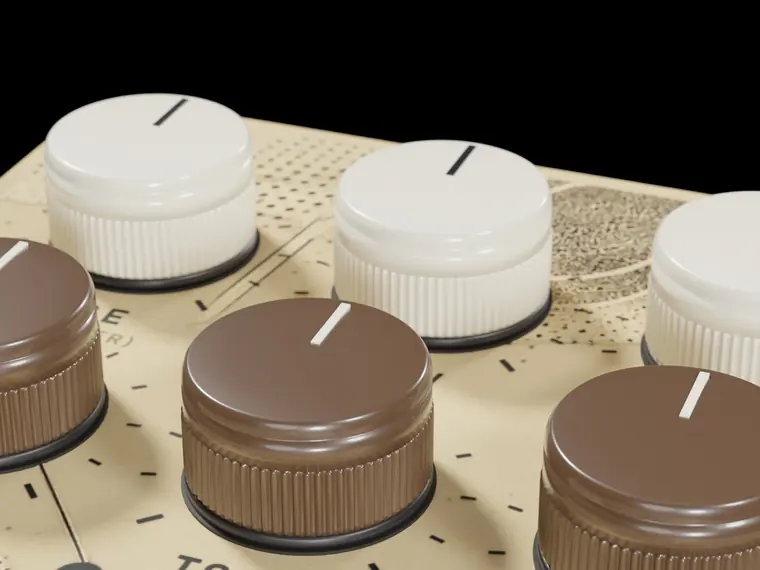
The six knobs
Each knob has a second control under SHIFT.
| 1 | Age How worn the medium is: loss of highs, head bump, the saturation of tape or converters. | SHIFT · Flutter The fast speed wobble. |
| 2 | Wow The slow speed wobble: the pitch drifts like a tired motor. | SHIFT · Sway A slow random drift of the speed on top of the wow. |
| 3 | Noise The machine's recorded surface: Off is silence, then from very quiet to clearly present. | SHIFT · Color Tilts the noise darker or brighter. |
| 4 | Wear Dropouts and damage, grouped in phrases like a real worn tape. | SHIFT · Dropouts How deep each dropout goes. |
| 5 | Tone The top end of the machine. Fully open from 60 %. | SHIFT · Digital Converter resolution: Off, 16, 14, 12, 10 or 8 bit. |
| 6 | Blend How much of the machine's colour you hear. The transport (wow) stays, so a half blend never phases. | SHIFT · Slip Musical stumbles: a cell repeats, chokes or drops out at chosen places. |
Modes
Half speed, Normal, Double: the speed of the transport.
Programs
Switches and footswitch
- Dual Left and right run on two separate transports: wider and looser.
- Fills The tape stretches in bar 4 of every phrase.
- Drop Brakes the tape to a stop and restarts it in time.
Motion out
How much signal the medium is losing. Any knob of another pedal can follow it with a thread.
Try this
- WOW around 50 % on CASSETTE is the unstable lo-fi piano.
- 12-BIT with TONE at 55 % is the boom bap low-pass before you even add a filter.
03 · Granular
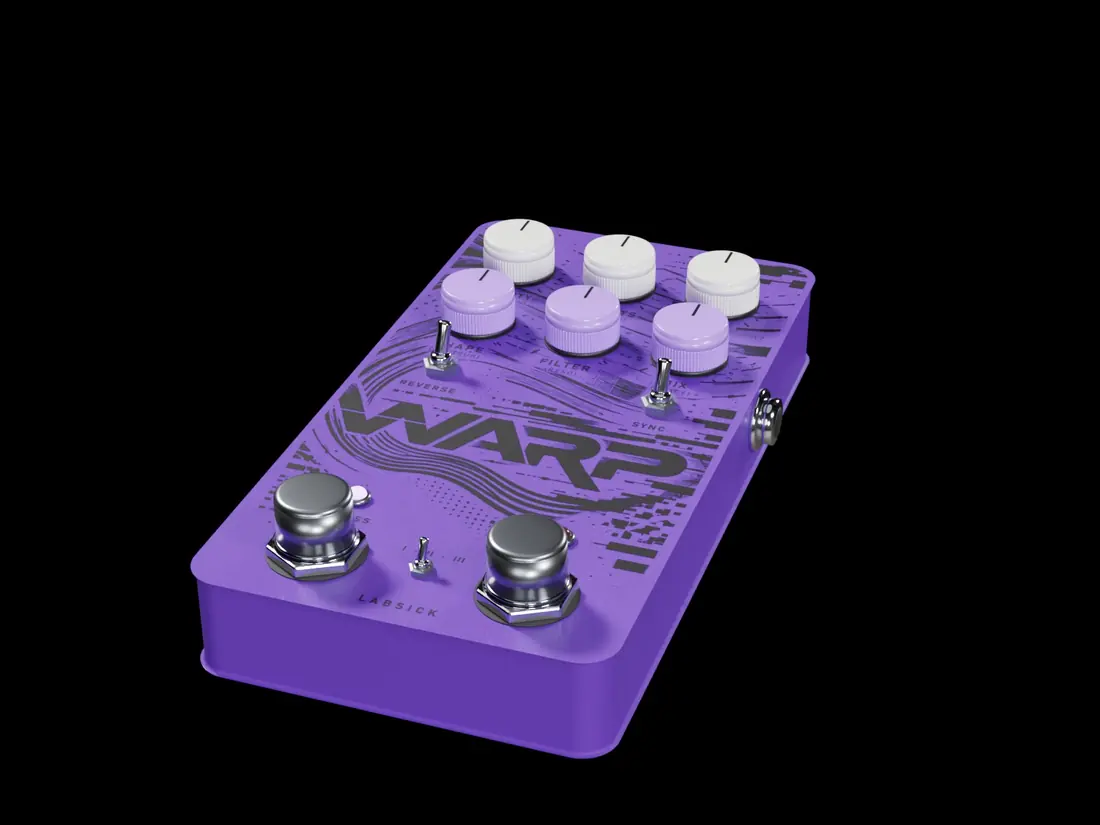
WARP
A granular engine with three ways of playing. STREAM is a grain cloud born on the grid of your song: grains of what just played, from a whisper of a delay to a dense swarm. CLOUD plays long pieces of the last ten seconds, forwards or backwards, at their pitch or an octave away, crossing in pairs and spread across the stereo field. GROOVE is CLOUD cut on the beat from beats of the loop, so reversed and half-speed pieces stay in the pocket. Every grain is read through a band-limited reader and opens with an analog-style envelope: full, never thin, never brittle; grains born near a hit start just before it.
The six knobs
Each knob has a second control under SHIFT.
| 1 | Size Length of each grain, 30 ms to 1.3 s (CLOUD: ½ to 2 s). | SHIFT · Position How far behind the grains read: off, or 2 beats down to ⅙ of a beat. |
| 2 | Density How often a grain is born: every 2 beats to every 3/16. In CLOUD and GROOVE, zero switches the pieces off. | SHIFT · Jitter Scatters the grains in time: from a gentle shimmer to anywhere in the last seconds. |
| 3 | Pitch The pitch of each grain: Unison, Detune, −12, +12, or unison with octaves now and then; in CLOUD and GROOVE each piece picks its own. | SHIFT · Width Stereo spread of the grains (50 % is the reference). |
| 4 | Feedback STREAM: the grains feed back and octaves climb, each darker. CLOUD and GROOVE: an eighth-note echo. | SHIFT · Shape From the soft analog envelope to whole slices with short edges. |
| 5 | Filter Low-pass below the centre, high-pass above, open in the middle; inside the feedback too. | SHIFT · Reverse The share of grains that play backwards. |
| 6 | Mix Grains against the source, equal power: at 50 % both sit 3 dB down. | SHIFT · Space A small room of its own around the grains. |
Modes
Stream, Cloud, Groove.
Switches and footswitch
- Reverse Every grain plays backwards.
- Sync SIZE in note values instead of time.
- Hold Freezes what it captured; the grains keep playing.
Motion out
How many grains are being born. Any knob of another pedal can follow it with a thread.
Try this
- STREAM, DENSITY 1/4, JITTER 60 %, Detune: the classic swarm; MIX 45 % keeps the loop underneath.
- CLOUD, REVERSE all the way, PITCH +12, FEEDBACK 70 %: a halftime of reversed grains.
04 · Rhythmic re-cut
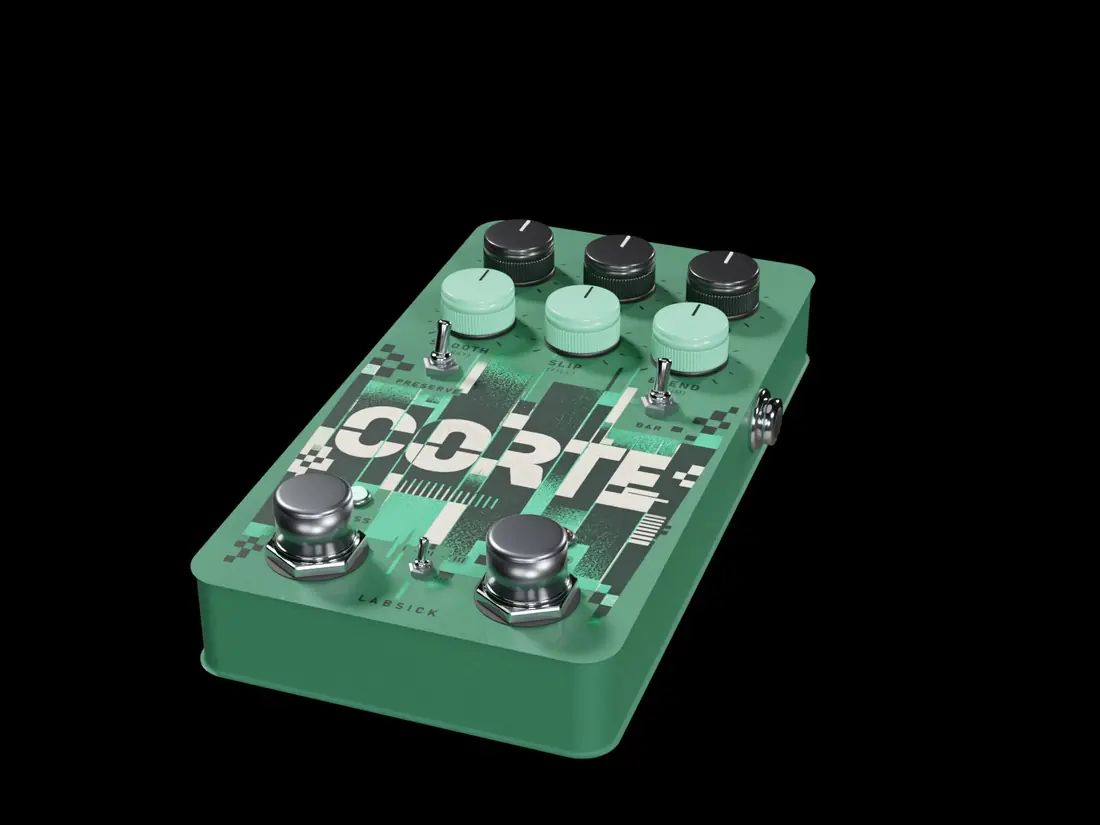
CORTE
Rhythmic re-cutting. CORTE keeps the last eight bars and, cell by cell, plays an earlier piece, repeats it, rolls it, stops or spins the tape, reverses it or plays it at half or double speed. Phrases go A, A′, A, fill. Every cut is a crossfade, so nothing clicks.
The six knobs
Each knob has a second control under SHIFT.
| 1 | Time Playback speed of the pieces: ½×, ¾×, 1×, 1½×, 2×. | SHIFT · Length Length of one cell, 1/32 to 1 bar. |
| 2 | Gate A volume gate on its own grid. | SHIFT · Grid The gate's grid: 1/8, 1/16, 1/16T, 1/32. |
| 3 | Swing Swing of the grid. | SHIFT · Shift Offsets the grid by a sixteenth, an eighth or three sixteenths. |
| 4 | Smooth Length of the crossfade at every cut, 4 to 40 ms. | SHIFT · Sway Humanises the grid. |
| 5 | Slip How often cells stumble and vary. | SHIFT · Fill How much the last bar of the phrase turns into a fill. |
| 6 | Blend Re-cut signal against the source. | SHIFT · Trim Output trim, −12 to +6 dB. |
Modes
The pattern lasts 1, 2 or 4 bars.
Programs
Switches and footswitch
- Preserve Keeps the pitch when a piece changes speed.
- Bar The pattern repeats exactly every bar.
- Chop Repeats the last piece while held, faster every bar.
Motion out
One impulse per cut, as strong as the jump. Any knob of another pedal can follow it with a thread.
Try this
- HALF STEP over 2 bars with SLIP low is the lean of a boom bap flip.
- CORTE's Event into RECALL Feedback: every cut throws an echo.
05 · Tape delay
RECALL
A delay with three heads. TAPE saturates, loses a little with every generation and wobbles. BBD narrows its bandwidth as the time grows and breathes like a bucket-brigade chip. DIGITAL is clean. When you change the time, TAPE and BBD move like a real head, with the pitch bend that implies.
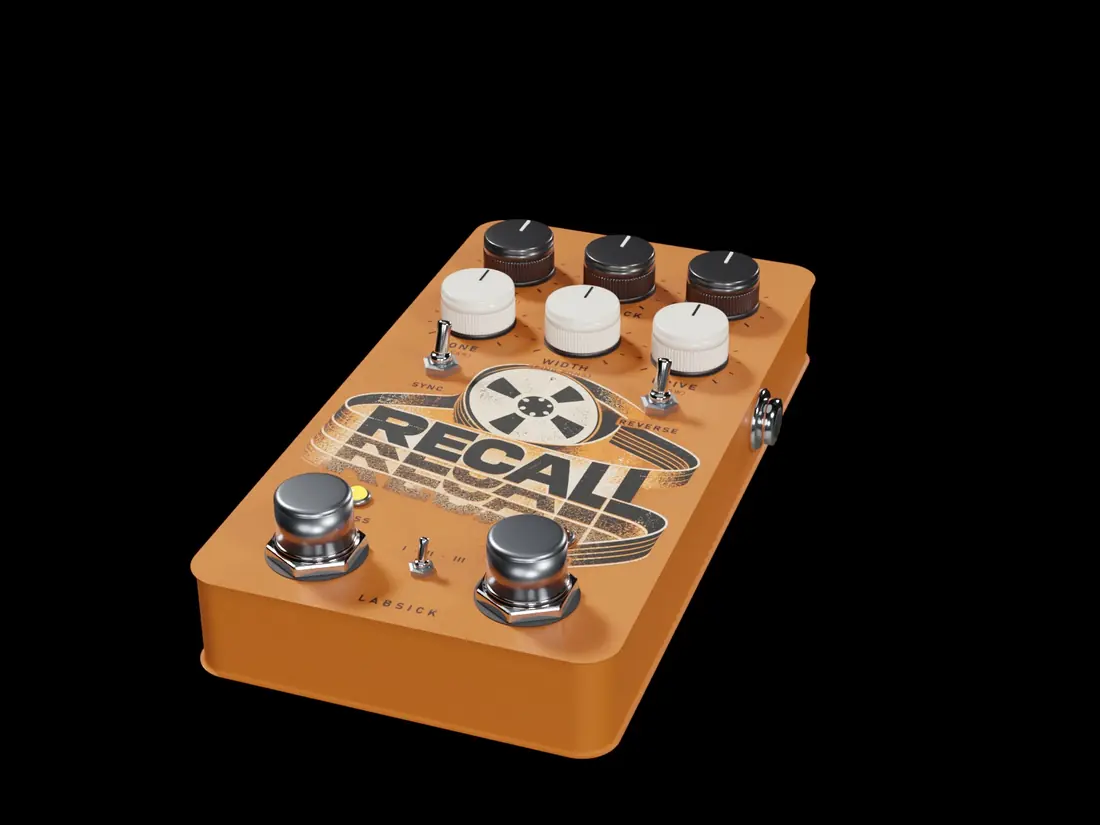
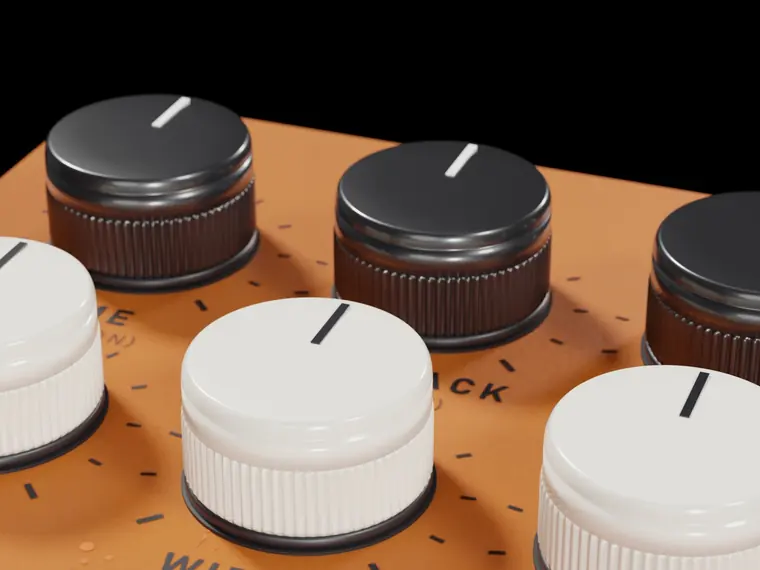
The six knobs
Each knob has a second control under SHIFT.
| 1 | Time With SYNC: a division from 1/32 to 2 bars. Without: 5 ms to 4 seconds. | SHIFT · Division Straight, dotted or triplet. |
| 2 | Feedback How many repeats. | SHIFT · Memory How fast each repeat darkens and thins. |
| 3 | Mix Echoes against the source. | SHIFT · Duck Lowers the repeats while the source plays, up to 24 dB: the echoes bloom in the gaps. |
| 4 | Tone Tone of the repeats, 800 Hz to 12 kHz. | SHIFT · Wear Generation loss: each repeat a little more worn. |
| 5 | Width Stereo width of the repeats. | SHIFT · Ping pong The repeats bounce left and right. |
| 6 | Drive Saturation of the head. | SHIFT · Wow Wow and flutter on the repeats. |
Modes
Tape, BBD, Digital.
Switches and footswitch
- Sync TIME follows the host tempo.
- Reverse Each repeat plays backwards.
- Hold Closes the input and keeps the loop turning.
Motion out
The level of the repeats. Any knob of another pedal can follow it with a thread.
Try this
- Dotted eighth, PING PONG up, DUCK at 35 %: the trap echo that never crowds the melody.
- TAPE with WOW at 45 % and TONE low is a vintage echo.
06 · Reverb
LUMEN
A reverb from a small room to a hall to a cloud. Early reflections, diffusion, a pre-network where the energy builds after the hit (BLOOM) and a sixteen-line tail with slow modulation. SHIMMER adds an octave up inside the tail without grains.
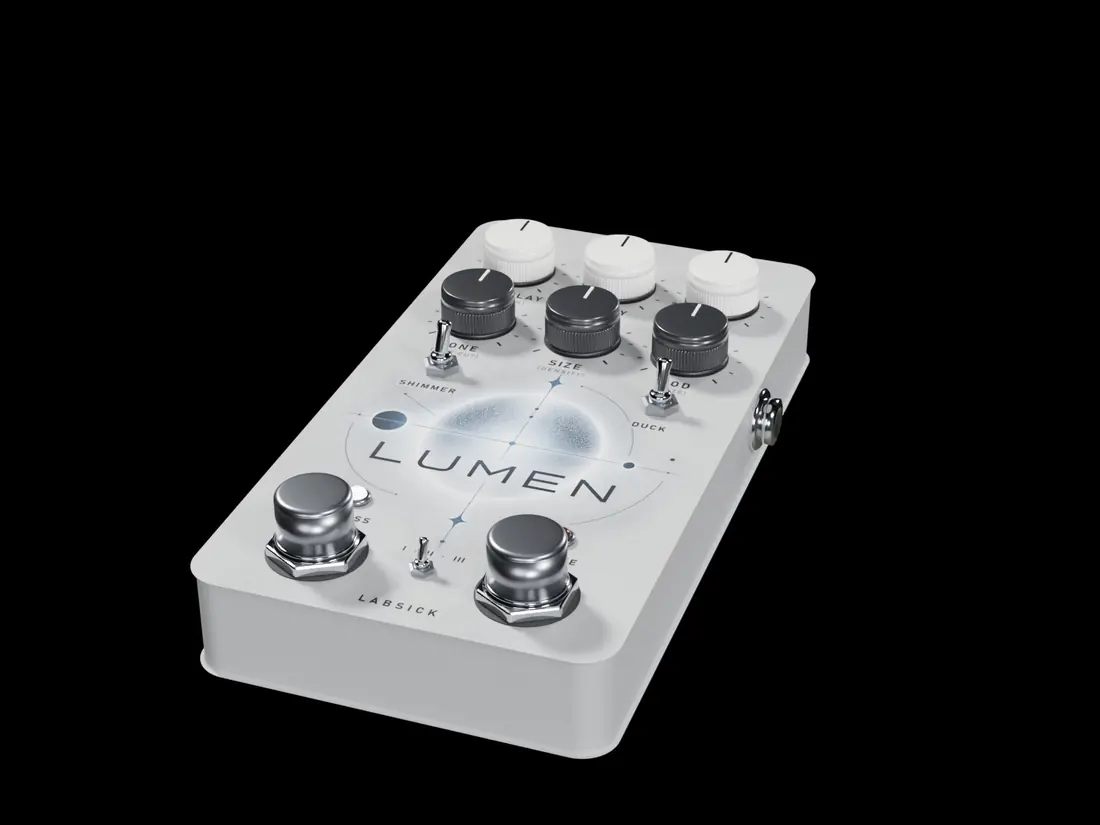
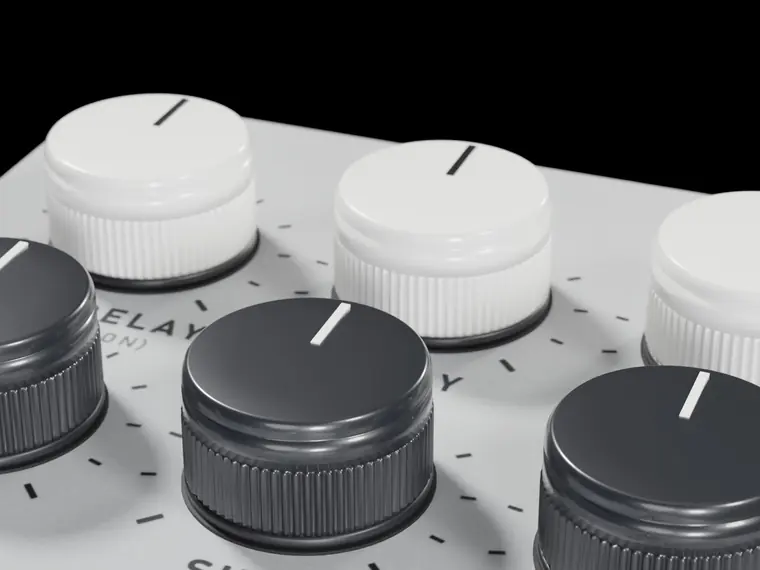
The six knobs
Each knob has a second control under SHIFT.
| 1 | Pre-delay Time before the reverb starts, 0 to 250 ms. More pre-delay keeps the source up front. | SHIFT · Diffusion How smeared the early part is. |
| 2 | Decay Length of the tail, 0.25 to 25 seconds. | SHIFT · Bloom The tail swells after the hit instead of starting at full level. |
| 3 | Mix Reverb against the source. | SHIFT · Duck Moves the tail out of the way while the source plays. |
| 4 | Tone Brightness of the tail, 1.5 to 18 kHz. | SHIFT · Low cut Keeps the lows out of the reverb, 20 to 800 Hz. |
| 5 | Size Size of the space. | SHIFT · Density How dense the tail is. |
| 6 | Mod Slow movement inside the tail. | SHIFT · Rate Speed of that movement. |
Modes
Room, Hall, Cloud.
Switches and footswitch
- Shimmer An octave up inside the tail.
- Duck Turns the ducking on.
- Freeze Holds the tail for as long as it is on, with the input closed.
Motion out
The energy of the tail. Any knob of another pedal can follow it with a thread.
Try this
- LOW CUT at 45 % keeps a bass or an 808 clean under the room.
- Phrase into DECAY with a small depth: the room grows toward bar 4.
07 · Chorus
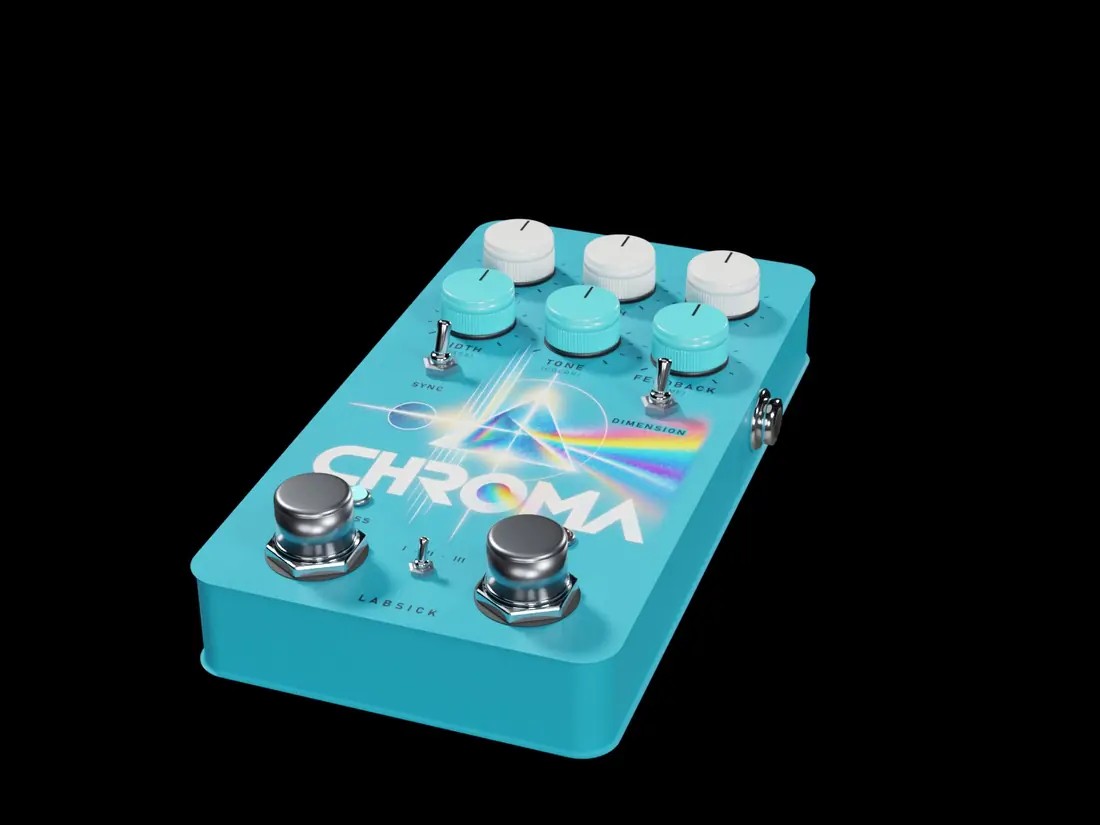
CHROMA
Chorus, flanger and three-voice ensemble modelled on bucket-brigade circuits. CHROMA changes character, never tuning: its movement goes into the colour of the sound instead of bending the pitch, so it widens and thickens without sounding out of tune.
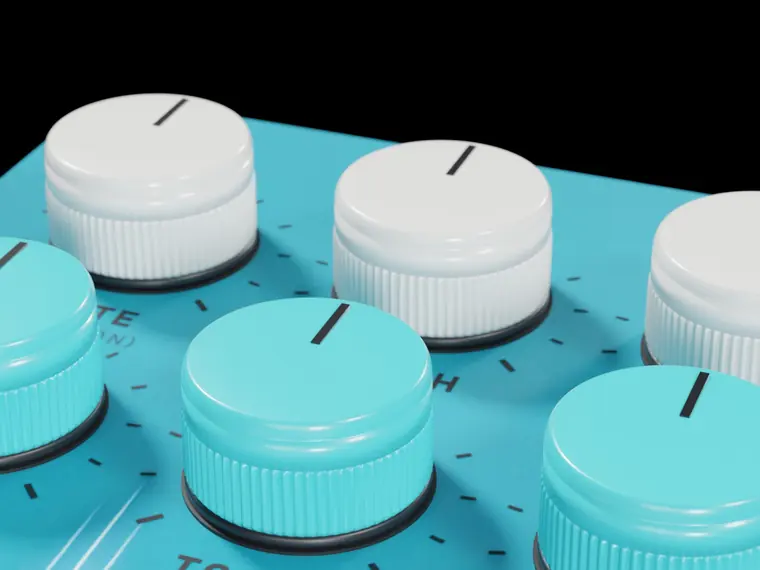
The six knobs
Each knob has a second control under SHIFT.
| 1 | Rate Speed of the movement, 0.05 to 10 Hz. | SHIFT · Division The division used when SYNC is on. |
| 2 | Depth Depth of the movement. | SHIFT · Drift A slow wander, like a circuit warming up. |
| 3 | Mix Effect against the source. | SHIFT · Drive Drive of the chip, from clean to saturated. |
| 4 | Width Stereo width. | SHIFT · Phase Phase between the left and right movement. |
| 5 | Tone Brightness of the effect. | SHIFT · Color Tilts the colour darker or brighter. |
| 6 | Feedback Feedback, positive or negative. The centre is none. | SHIFT · Time The base delay: short is flanger territory, long is chorus. |
Modes
Chorus, Flanger, Ensemble.
Switches and footswitch
- Sync RATE follows the tempo.
- Dimension A still, wide doubling with no movement of pitch at all.
- Fast Speeds the movement up while it is on.
Motion out
Where the movement is in its cycle. Any knob of another pedal can follow it with a thread.
Try this
- DIMENSION on with MIX at 35 %: width with no wobble.
- Flanger with FEEDBACK at 75 % and a very slow RATE is the jet.
08 · Phaser
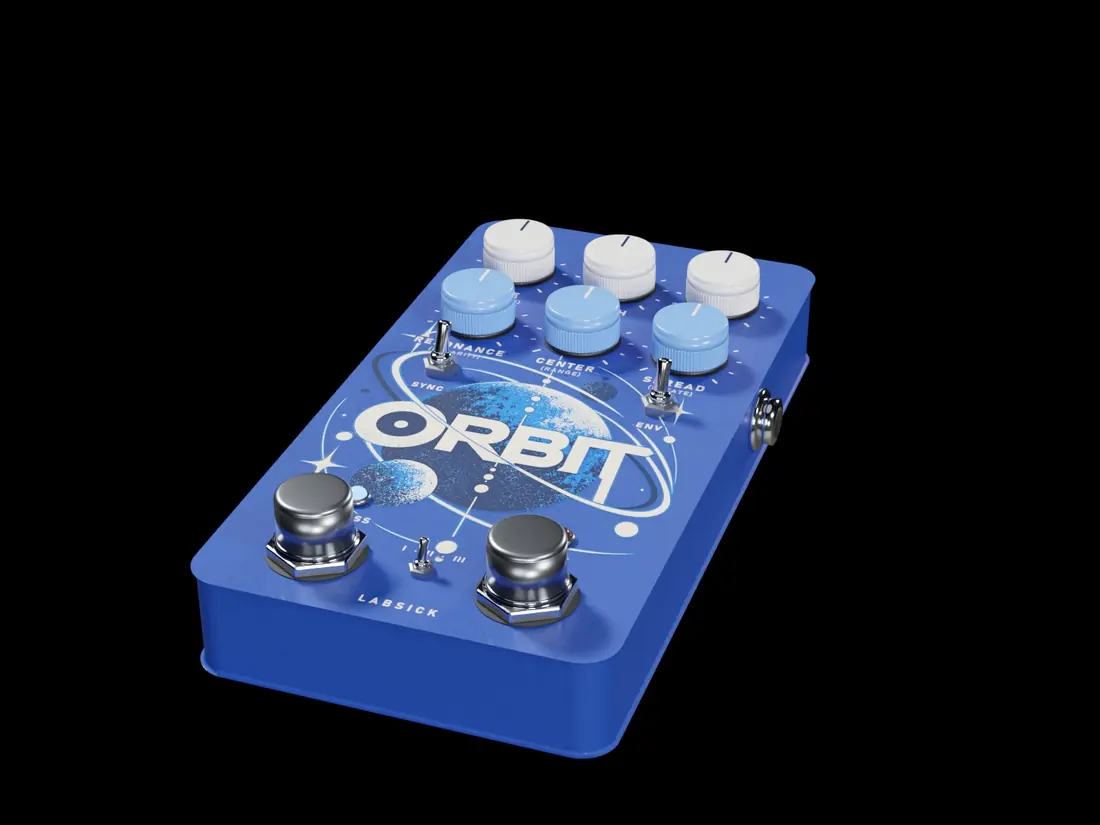
ORBIT
A phaser with 4, 8 or 12 stages, swept through a curve like the JFETs of the classic pedals. It can run free, on the tempo, or pushed by the loudness of what you play.
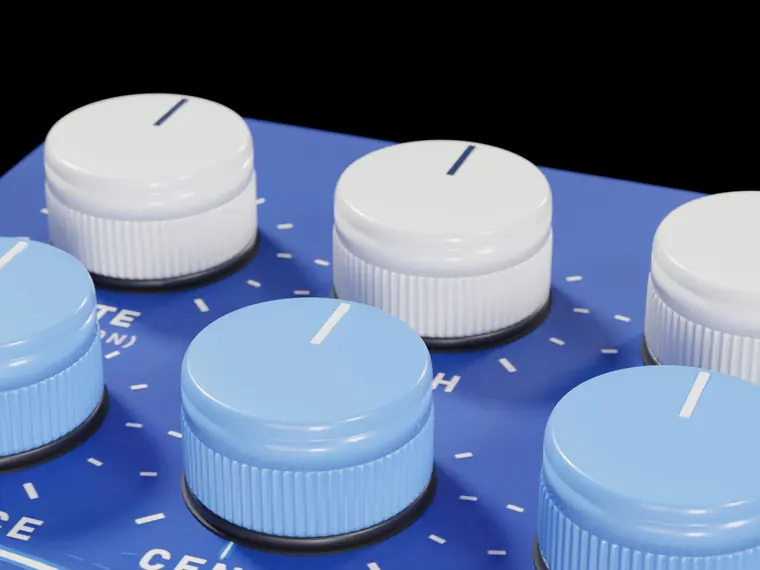
The six knobs
Each knob has a second control under SHIFT.
| 1 | Rate Speed of the sweep, 0.02 to 8 Hz. | SHIFT · Division The division used when SYNC is on. |
| 2 | Depth Depth of the sweep. | SHIFT · Env How much the loudness pushes the sweep, up or down. |
| 3 | Mix Effect against the source. | SHIFT · Vintage Adds the circuit: it compresses with level, the feedback saturates, a whisper of noise. |
| 4 | Resonance Feedback: the phaser sings. | SHIFT · Polarity Negative or positive feedback. |
| 5 | Center Where the sweep sits, 100 Hz to 8 kHz. | SHIFT · Range How far it travels. |
| 6 | Spread Phase between the left and right sweep. | SHIFT · Rotate Keeps turning that phase: the sound rotates. |
Modes
4, 8 or 12 stages.
Switches and footswitch
- Sync RATE follows the tempo.
- Env The loudness drives the sweep.
- Fast Speeds the sweep up while it is on.
Motion out
Where the sweep is. Any knob of another pedal can follow it with a thread.
Try this
- 8 stages, RATE very slow, MIX at 50 %: psychedelia.
- Before a reverb it makes the whole space move.
09 · Tremolo
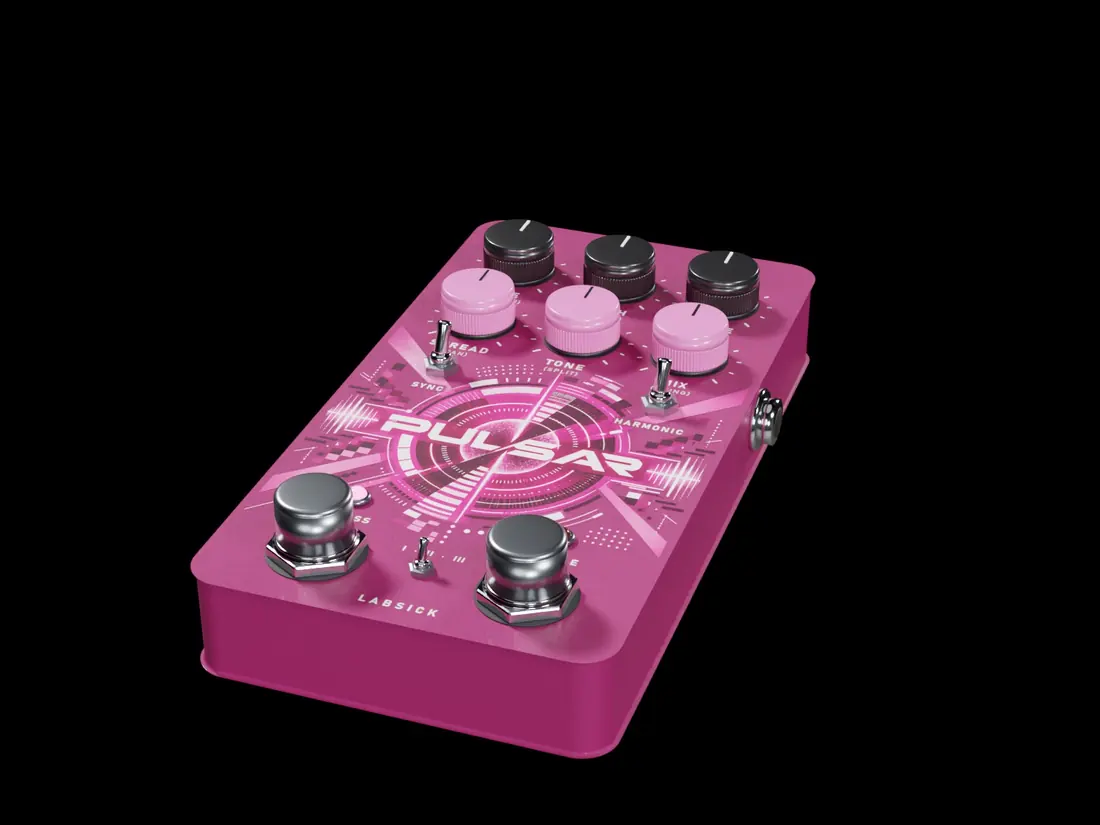
PULSAR
Tremolo, pulses, sixteen-step patterns and strobe, free or on the tempo. Its edges are always smooth, so it never clicks.
The six knobs
Each knob has a second control under SHIFT.
| 1 | Rate Speed, 0.1 to 20 Hz. | SHIFT · Division The division used when SYNC is on, 1 bar to 1/32. |
| 2 | Depth How deep the volume moves. | SHIFT · Smooth Softness of the edges, 3 to 60 ms. |
| 3 | Shape Travels from Sine to Triangle, Square, Ramp and Saw. | SHIFT · Skew Skews the shape forward or backward. |
| 4 | Spread Offsets the right channel. | SHIFT · Pan Turns the pulse into an auto-pan. |
| 5 | Tone The pulse also opens and closes a filter. | SHIFT · Split The crossover used by HARMONIC. |
| 6 | Mix Effect against the source. | SHIFT · Swing Delays every second pulse. |
Modes
Pulse, Pattern (16 steps with accents), Strobe.
Switches and footswitch
- Sync RATE follows the tempo.
- Harmonic Lows and highs pulse in turn, like the old amp tremolos.
- Double Doubles the rate at the next pulse.
Motion out
One impulse per pulse. Any knob of another pedal can follow it with a thread.
Try this
- Ramp shape on 1/4 with soft edges is a sidechain pump.
- Pattern mode over a pad is a trance gate.
10 · Spectral scan
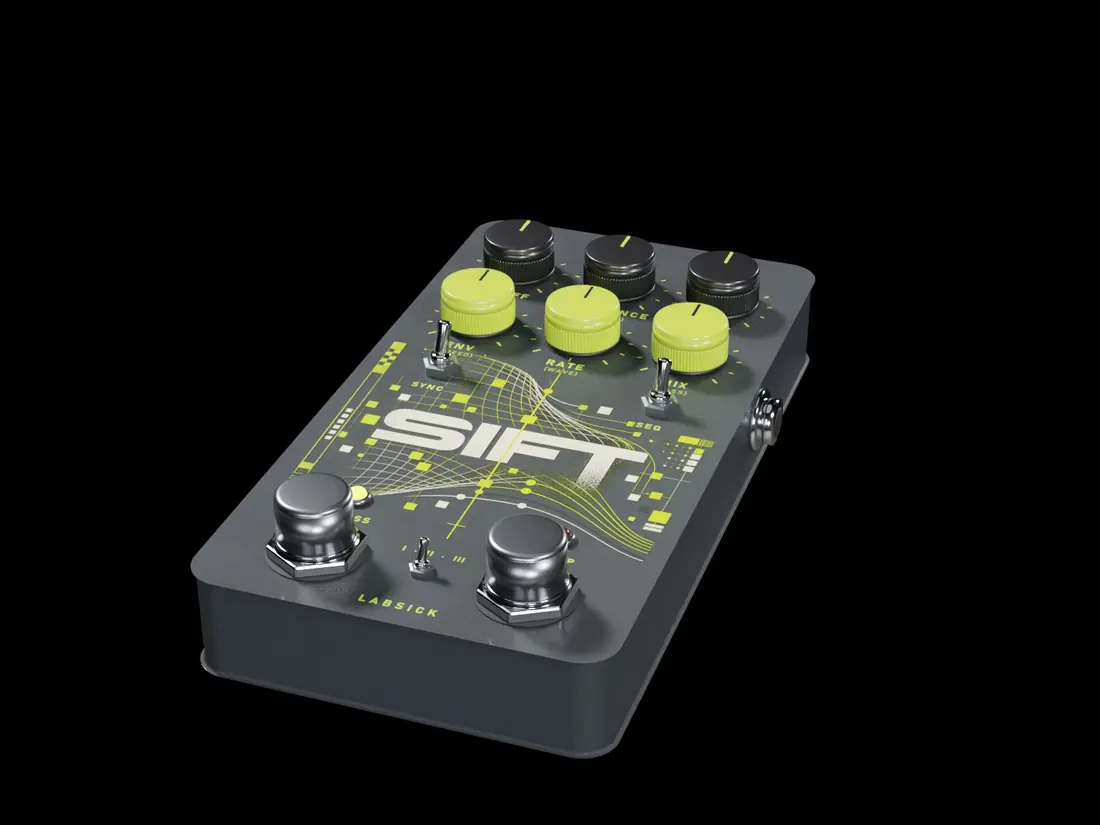
SIFT
A spectral scanner. SIFT lays a SHAPE across the whole spectrum, ten octaves from the deep lows to the air, and moves it with its own LFO in time with your song. FILTER keeps what the shape covers and cuts the rest. GATE keeps only what is loud enough. SMEAR cuts nothing and leaves the notes standing: inside the shape it lifts the air between them, with a short memory that draws every tail out, so a moving shape whips through the sound and leaves a trail.
The six knobs
Each knob has a second control under SHIFT.
| 1 | Phase Where the SHAPE sits; turning it up carries it down towards the lows. | SHIFT · Shape The SHAPE: Bandpass, Lowpass, Highpass, Notch, Comb 4, Comb 8, Formant, Resonant, Ramp, or Key (teeth on the notes of the chord). |
| 2 | Strength How deep FILTER cuts, how strict GATE is, how much air SMEAR lifts. | SHIFT · Rate LFO speed: 4 bars to 1/16 with SYNC (dotted, triplets), 0.05–13 Hz without. |
| 3 | Shift Stretches or squeezes the SHAPE across the octaves. | SHIFT · Wave The LFO wave: Sine, Triangle, Saw, Reverse saw, Square, Random, Stairs, Drift. |
| 4 | Smooth Below the centre the edges of the SHAPE get sharper; above it they slope towards the highs, like a filter. | SHIFT · Warp Slow-fast or fast-slow inside each cycle. Up high, the shape waits and then whips. |
| 5 | Motion How far the LFO moves the SHAPE. At zero it stands still. | SHIFT · Slew Smooths the LFO: steps and squares turn into glides. |
| 6 | Mix Scanned signal against the source. | SHIFT · Bass Keeps the lows of the source below 80 Hz untouched (no crossover). |
Modes
Filter, Gate, Smear.
Switches and footswitch
- Sync RATE in note values, locked to the song.
- Invert Turns the SHAPE inside out: what it covered is cut, the rest kept.
- Freeze Holds the spectrum of this moment; the SHAPE keeps moving over it.
Motion out
Where the SHAPE is. Any knob of another pedal can follow it with a thread.
Try this
- SMEAR, Bandpass, PHASE 40 %, MOTION 40 %, a Saw on 1/2, WARP 88 %: the smear whip.
- FILTER with Formant and a slow Sine at 10 % MOTION turns any loop into vowels.
11 · Pitch
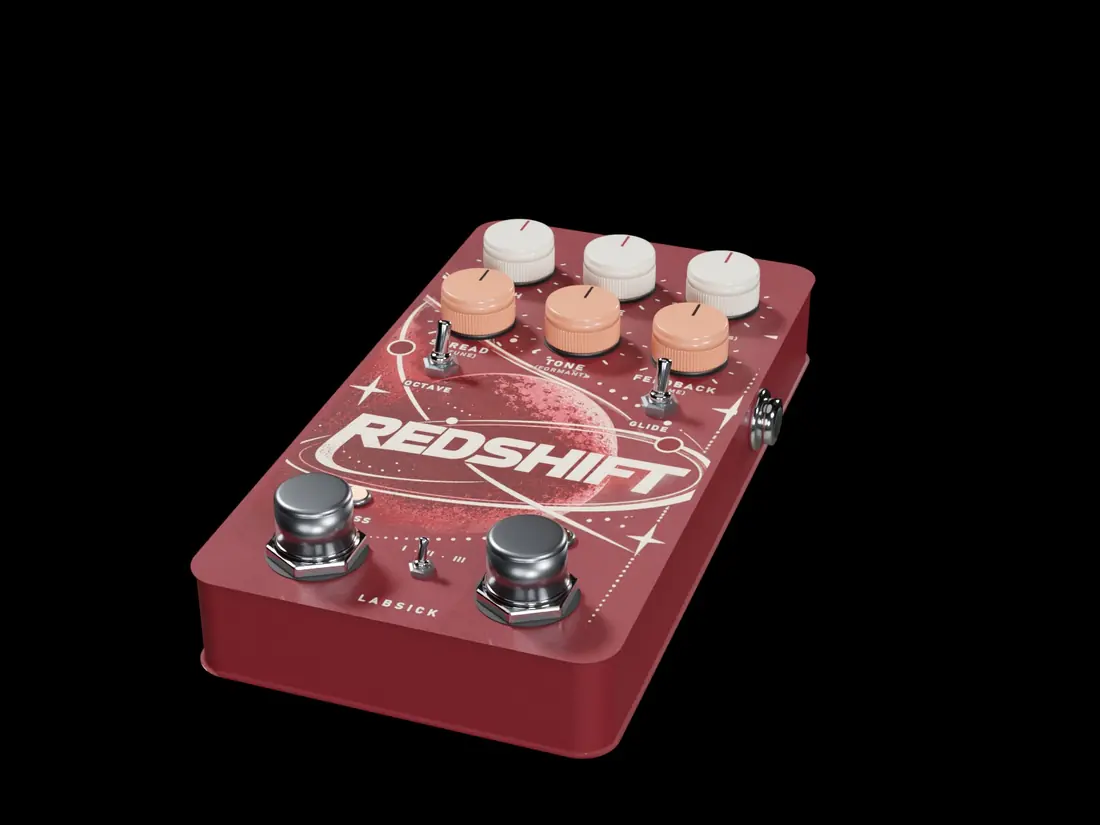
REDSHIFT
The pitch pedal, and the only one that transposes your sound. Three engines: SPECTRAL keeps the timing and the formants, TAPE is varispeed like a record played slower or faster, CASCADE climbs or falls again with every repeat.
The six knobs
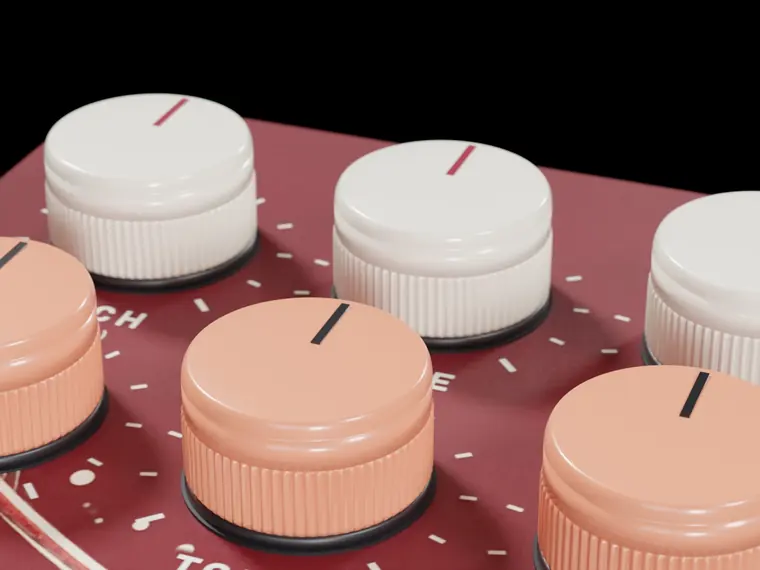
Each knob has a second control under SHIFT.
| 1 | Pitch The interval, ±12 semitones. | SHIFT · Fine Fine tuning, ±50 cents. |
| 2 | Slide How long a pitch change takes to arrive, up to 2 seconds. | SHIFT · Curve The shape of that slide: Linear, Ease, Exponential or Steps. |
| 3 | Mix Shifted signal against the source. At 100 % it is a transposition; lower, it is a second voice. | SHIFT · Transients Lets the original attacks through untransposed. |
| 4 | Spread Two extra voices left and right. | SHIFT · Detune How far those voices drift, in cents. |
| 5 | Tone Brightness of the shifted signal. | SHIFT · Formant Moves the formants with the pitch or against it. |
| 6 | Feedback In CASCADE, how many times it climbs again. | SHIFT · Time The time between those passes. |
Modes
Spectral, Tape, Cascade.
Switches and footswitch
- Octave Adds a voice one octave above PITCH.
- Glide SLIDE is measured in bars.
- Dive Drops an octave like a turntable powering down, and comes back on release.
Motion out
The pitch right now. Any knob of another pedal can follow it with a thread.
Try this
- TAPE at −4 with a hall after it is "slowed + reverb".
- MIX at 40 % with PITCH at −12 adds a sub voice under a melody.
12 · Punch
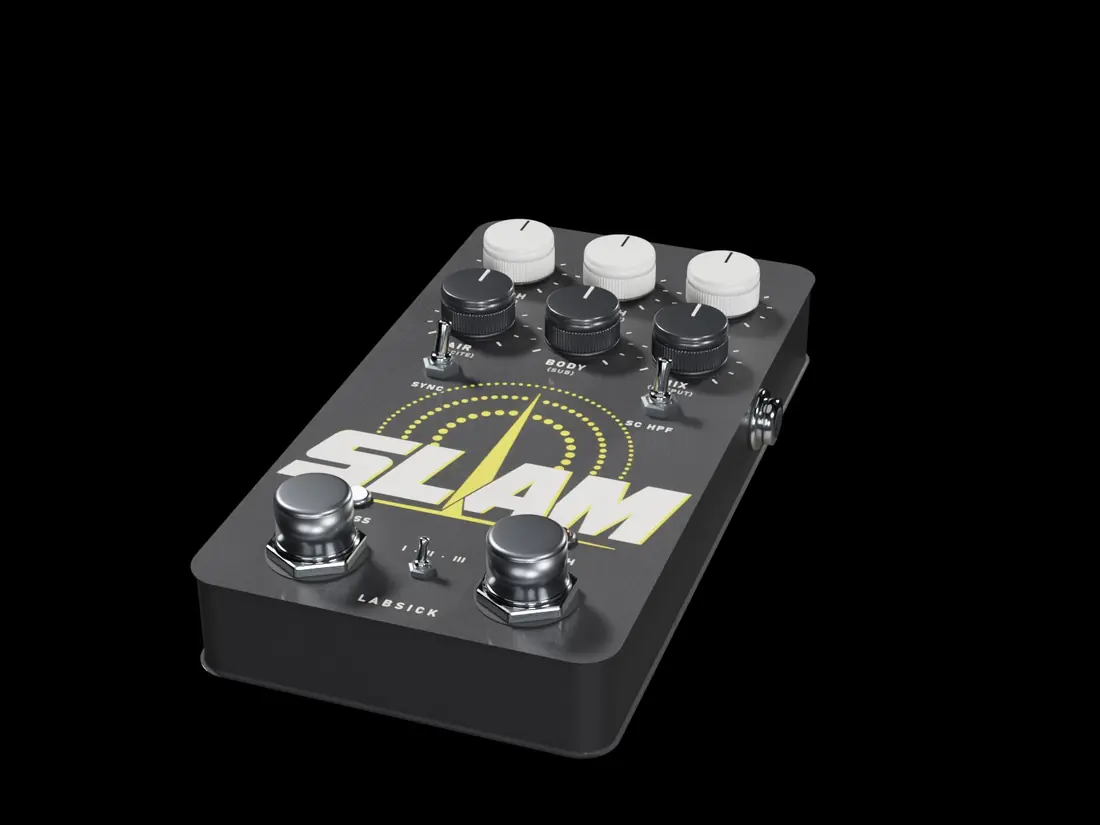
SLAM
Punch and density. A transient shaper, then compression in one of three styles, an air shelf that opens on every hit, and lows that are compressed on their own and always mono.
The six knobs
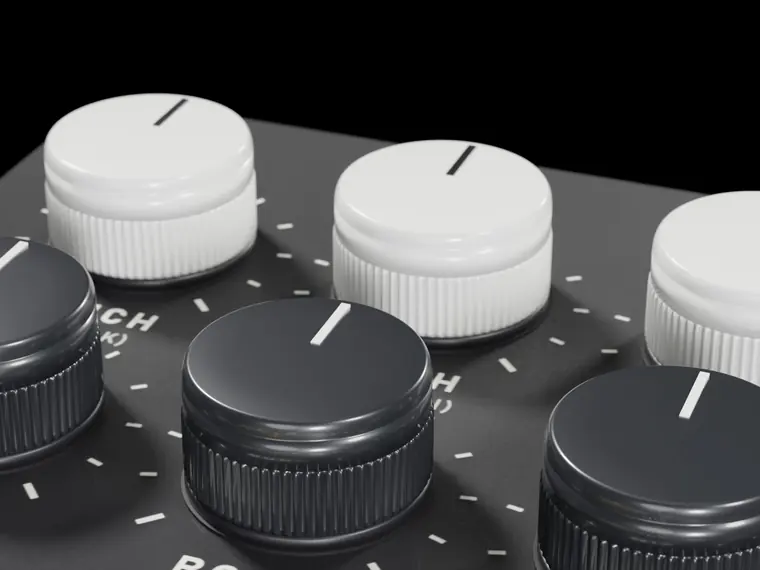
Each knob has a second control under SHIFT.
| 1 | Punch Transient shaper: more attack to the right, softer to the left. The centre is none. | SHIFT · Attack Attack of the compressor, 0.5 to 30 ms. |
| 2 | Depth Amount of compression. | SHIFT · Up/Down Balance between pushing loud parts down and lifting quiet parts up. |
| 3 | Time The compressor's timing. | SHIFT · Release Fixed release, or automatic. |
| 4 | Air A clean air shelf that opens a little more on every hit. | SHIFT · Excite Real harmonics above 3 kHz. Off by default. |
| 5 | Body The lows, compressed on their own. | SHIFT · Sub Extra sub, up to +6 dB. |
| 6 | Mix Processed signal against the source. | SHIFT · Output Output level, ±12 dB. |
Modes
Multiband (up and down), Punch (a bus compressor for drums and melodies), FET (all buttons in: crushed on purpose).
Switches and footswitch
- Sync Timing follows the tempo.
- SC HPF The compressor stops reacting to the lows.
- Smash Maximum compression while it is on.
Motion out
How much it is compressing. Any knob of another pedal can follow it with a thread.
Try this
- Punch mode with PUNCH at 70 % makes a drum loop knock.
- FET with MIX at 50 % is parallel crush.
13 · Wall of sound
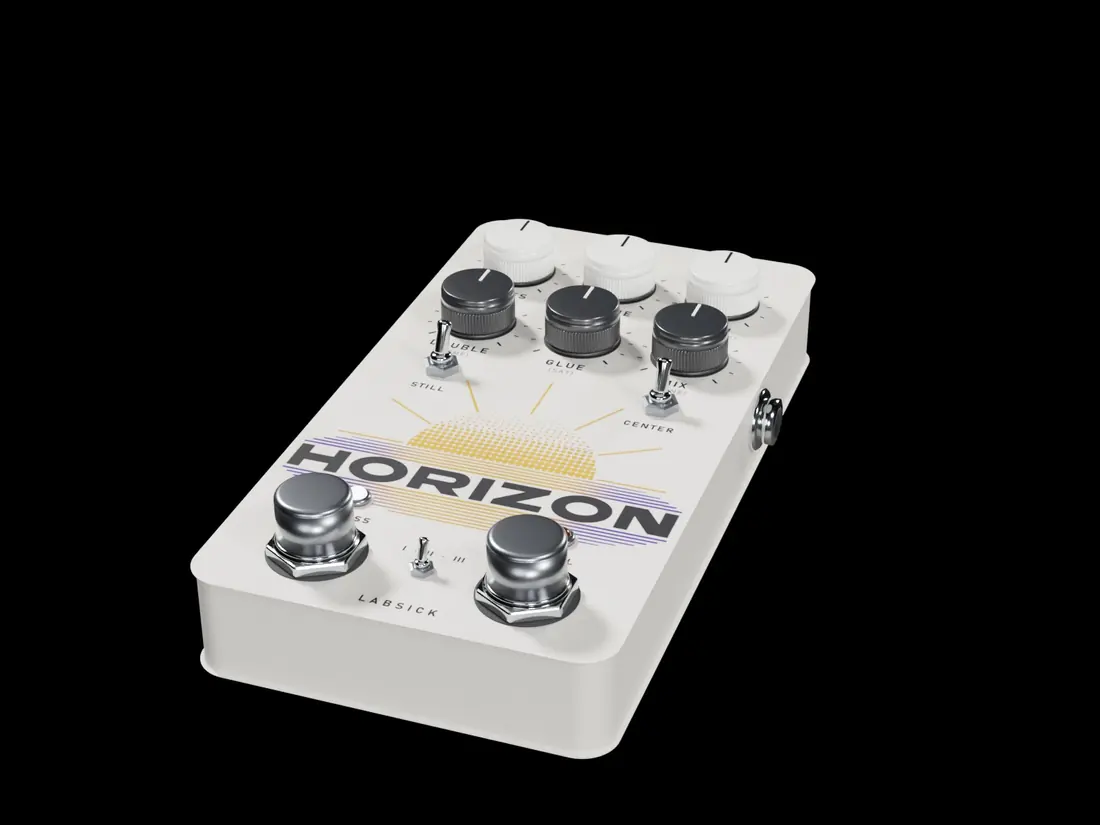
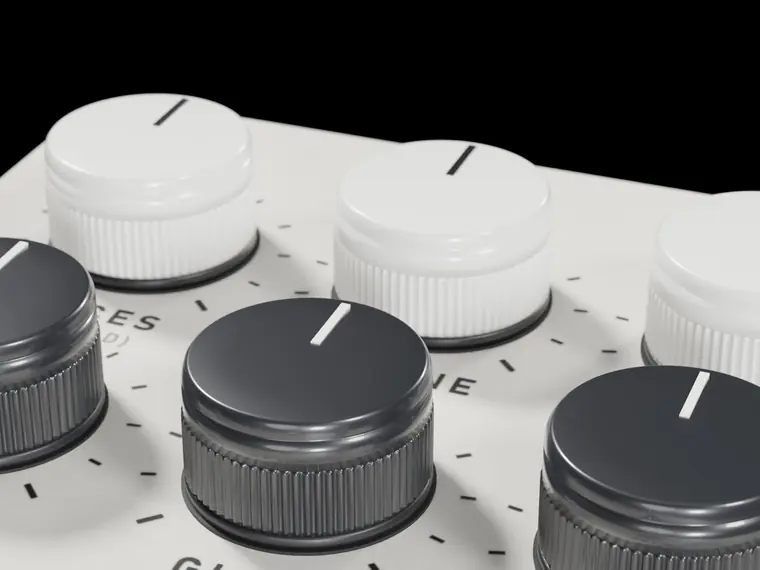
HORIZON
The wall of sound. Up to seven detuned copies of your own sound and four doubles, spread wide and glued together, always at the original pitch. A thin sound becomes a wall that fills the spectrum without losing its centre.
The six knobs
Each knob has a second control under SHIFT.
| 1 | Voices How many voices, 1 to 7. | SHIFT · Spread How far apart they sit. |
| 2 | Detune How detuned the voices are, up to 50 cents. | SHIFT · Drift Each voice wanders slowly on its own. |
| 3 | Width Stereo width, up to 200 %. | SHIFT · Mono bass Below this frequency everything stays in the centre. |
| 4 | Double Time doubles: thickness without touching pitch. | SHIFT · Time How late the doubles are, 5 to 40 ms. |
| 5 | Glue A bus compressor that holds the wall together. | SHIFT · Sat Saturation of the wall. |
| 6 | Mix Wall against the source. | SHIFT · Tone Darker or brighter. |
Modes
Supersaw, Choir, Wall.
Switches and footswitch
- Still The voices stop wandering.
- Center The centre stays solid and dry.
- Swell The wall rises while it is on.
Motion out
How wide the sound is. Any knob of another pedal can follow it with a thread.
Try this
- Choir mode on a vocal chop is a choir of that voice.
- MONO BASS at 60 % keeps an 808 centred under a wide melody.
14 · Tuned resonator
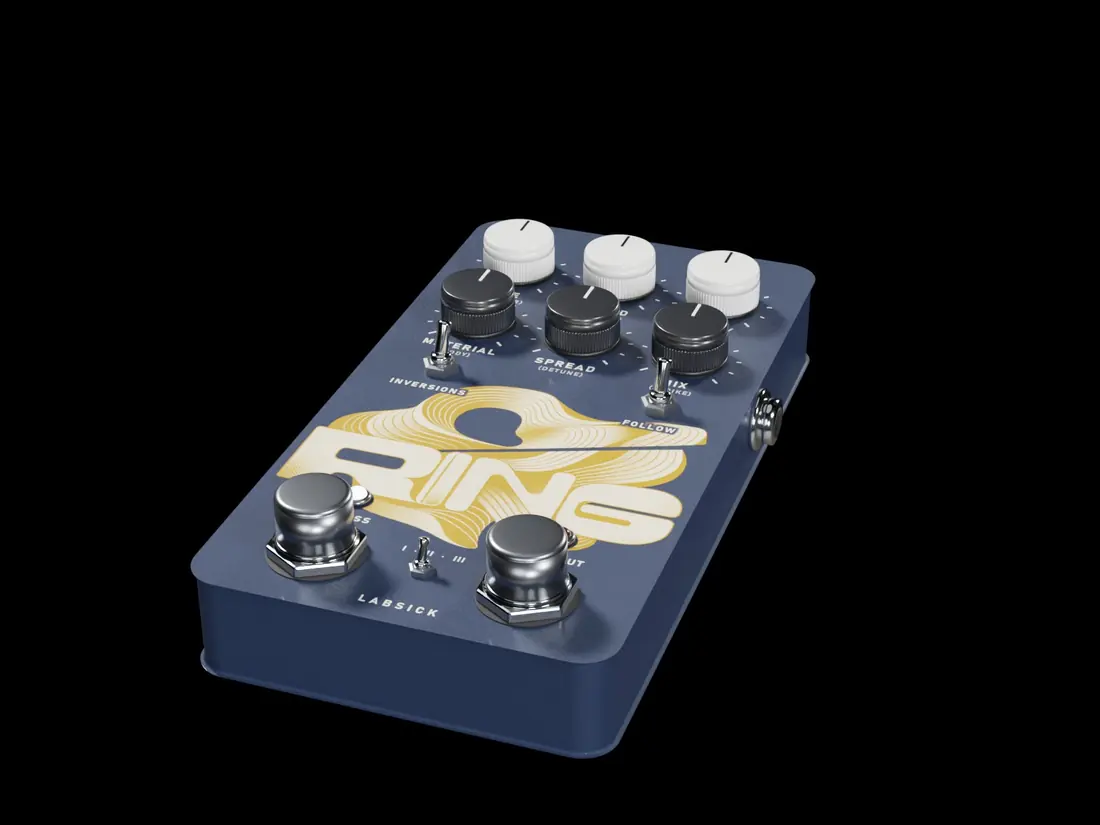
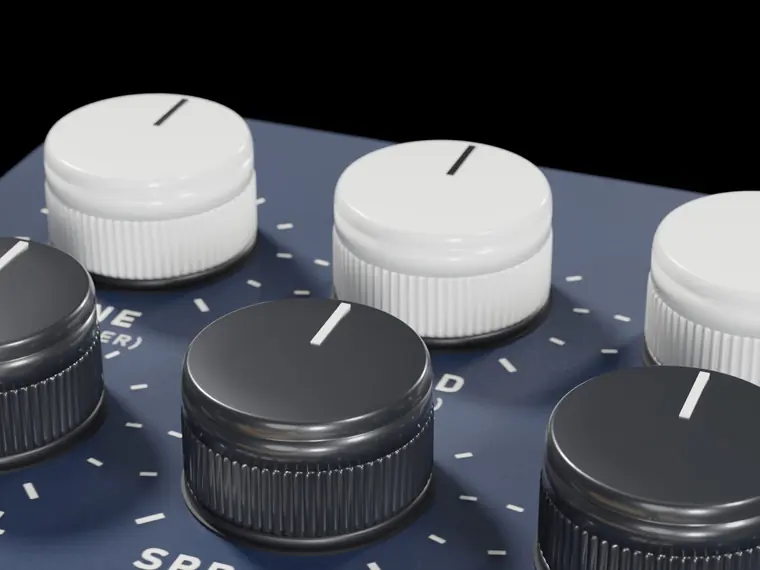
RING
Tuned resonators. Any hit or noise rings an instrument in the key of your song: strings, bars and bells, tubes. The notes come from the chord BACKTAPE hears, from the key, or from the MIDI you hold. Its second program, COLOR, is a colour-bass engine: it moves the harmonics of a bass onto the notes of the chord.
The six knobs
Each knob has a second control under SHIFT.
| 1 | Tune Transposes the resonators, ±24 semitones. | SHIFT · Register The octave they sit in. |
| 2 | Chord The notes that ring: Root, Fifth, Chord, Triad, Seventh, Ninth, Cluster. | SHIFT · Voicing How the notes are spread. |
| 3 | Decay How long the notes ring, 50 ms to 12 seconds. | SHIFT · Damp The highs die faster. |
| 4 | Material From wood (marimba) to metal bar (vibraphone) to bell to glass. | SHIFT · Body Resonance of the body. |
| 5 | Spread Stereo spread of the notes. | SHIFT · Detune Thickens them. |
| 6 | Mix Resonators against the source. | SHIFT · Strike Lifts the attacks that excite the resonators. |
Modes
String, Bar, Tube.
Programs
Switches and footswitch
- Inversions The chord moves through its inversions.
- Follow Plays the MIDI notes you hold.
- Ring out The notes ring for as long as it is on.
Motion out
A note being struck. Any knob of another pedal can follow it with a thread.
Try this
- Bar mode on Bell, MIX at 35 %: bells that follow your chords.
- COLOR at 75 % on a growl bass: colour bass.
15 · Talkbox
TALK
Any instrument speaks. FORMANT is five vowel filters, TALKBOX is a model of a mouth with your sound as the voice, VOCODER shapes a synth, noise or the input itself with the bands of your sound and sings the chord BACKTAPE hears.
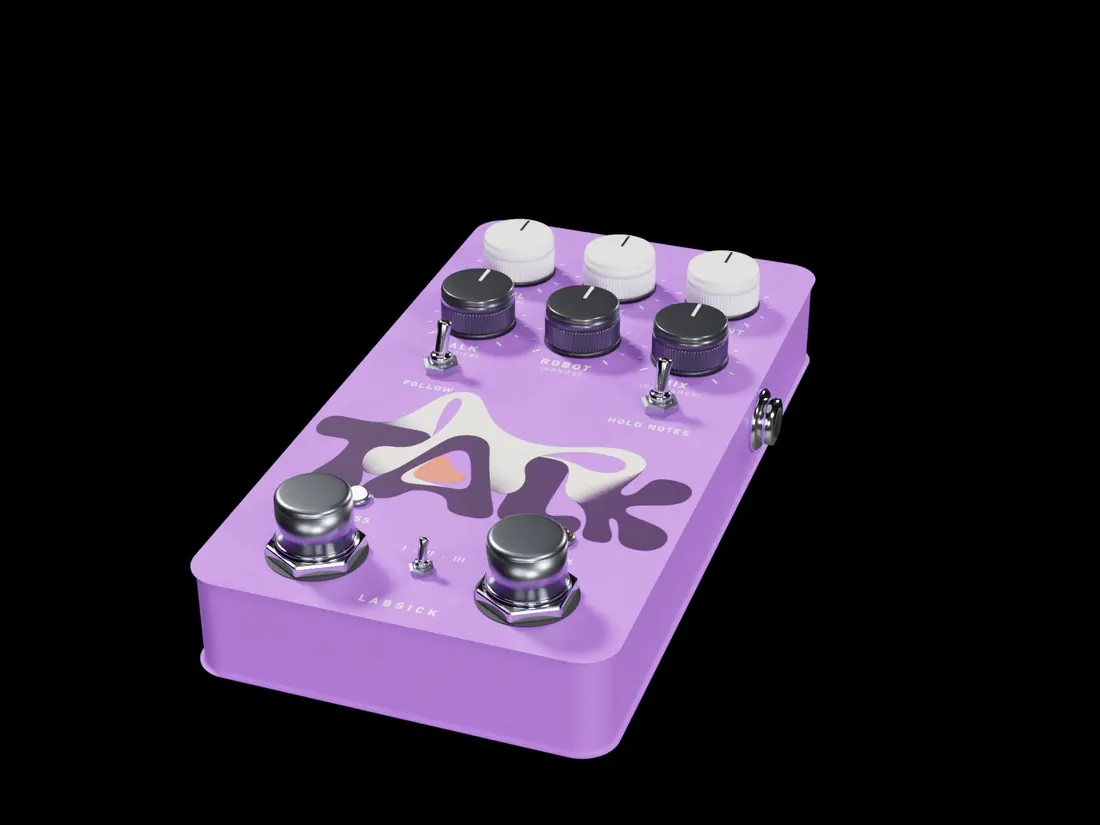
The six knobs
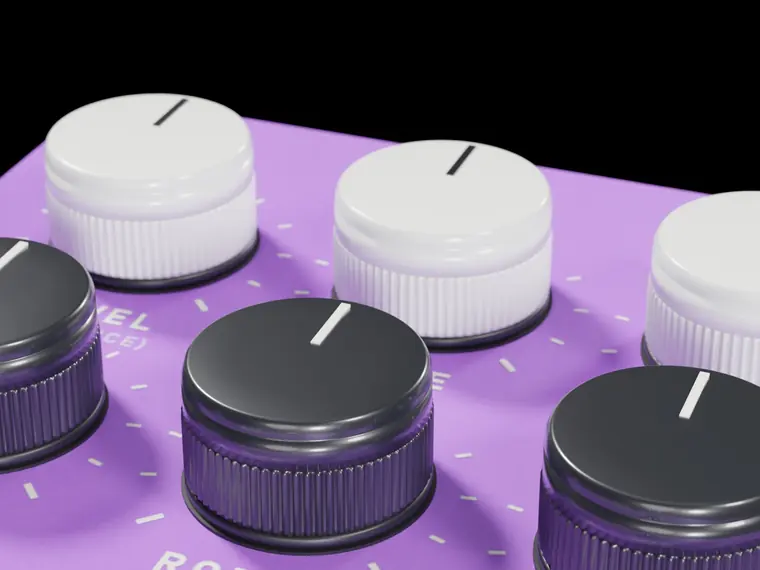
Each knob has a second control under SHIFT.
| 1 | Vowel The vowel: A, E, I, O, U. | SHIFT · Sequence The sequence MOVE runs: A to U, Wow, Yeah, Open/close, Steps, Drift. |
| 2 | Move Runs the vowel sequence. | SHIFT · Sync Free, or on a division from 4 bars to 1/16. |
| 3 | Formant Shifts the formants, ±12 semitones. | SHIFT · Gender Size of the mouth, from small to large. |
| 4 | Talk How much of the mouth you hear. | SHIFT · Carrier What the vocoder plays: a synth, noise, or the input. |
| 5 | Robot The robotic quality of the vocoder. | SHIFT · Bands Number of bands, 16 to 40. |
| 6 | Mix Voice against the source. | SHIFT · Sibilance Keeps the consonants (s, t, sh) clear. |
Modes
Formant, Talkbox, Vocoder.
Switches and footswitch
- Follow The mouth opens with the loudness of the input.
- Hold notes The vocoder keeps its chord between notes.
- Speak A "wah-ow" over one beat.
Motion out
The vowel right now. Any knob of another pedal can follow it with a thread.
Try this
- Vocoder with MIX at 60 % on a melody is a robot choir on its chords.
- FOLLOW on with Formant mode is an auto-wah that talks.
16 · Harmonizer
FROST
A harmonizer. FROST plays new voices beside your sound at any interval — a fifth, an octave up or down, a third that stays in the key — with the doubler, echoes that keep their interval, and the classic spiral where every repeat climbs again. Your sound itself never changes pitch (that is REDSHIFT).
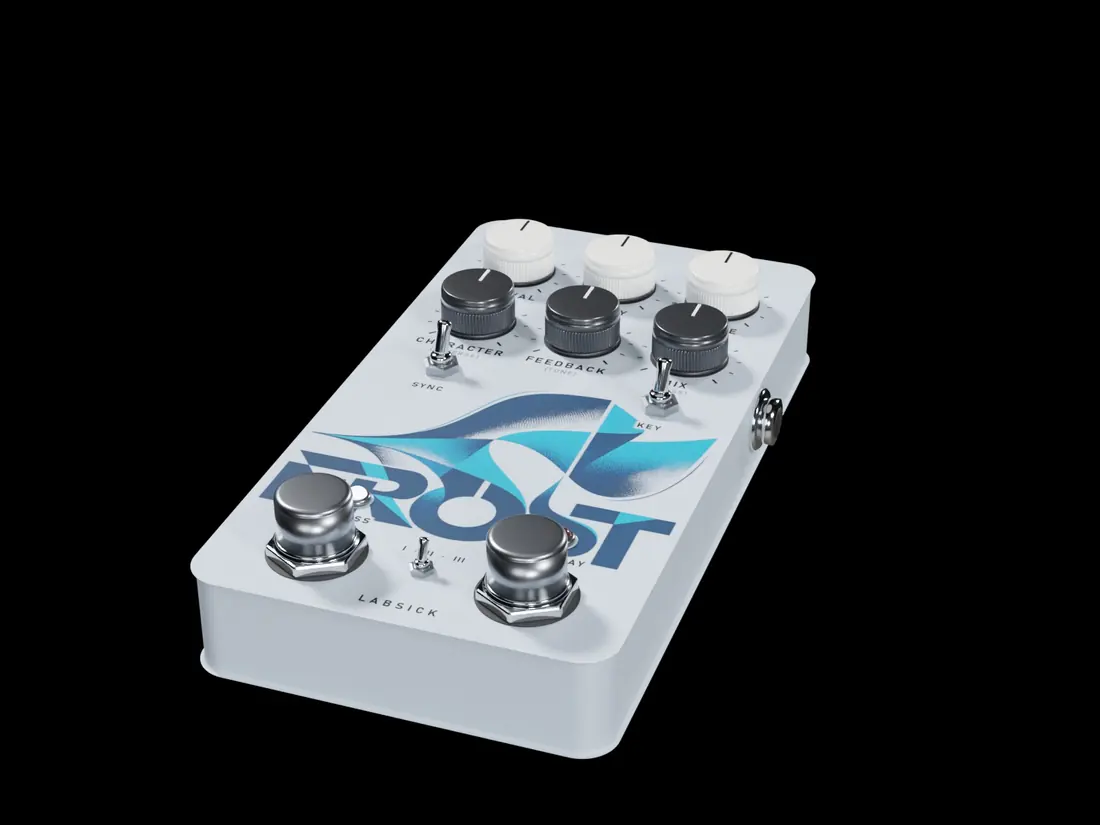
The six knobs
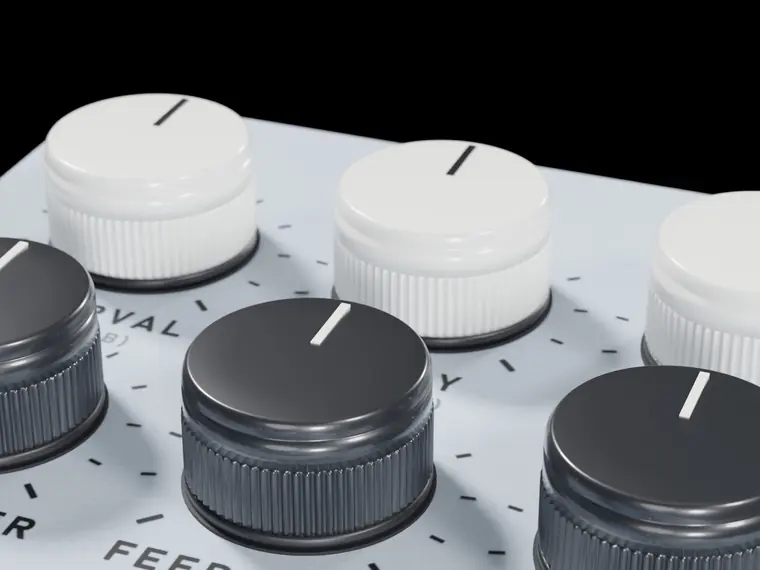
Each knob has a second control under SHIFT.
| 1 | Interval The interval of voice A, from −24 to +24 semitones. | SHIFT · Voice B Voice B: a second interval, or Off. |
| 2 | Delay When the voices come in and how far apart the repeats are: 1 ms to 1.5 s, or a division with SYNC. | SHIFT · Spread Voice A to the left, voice B to the right. |
| 3 | Detune Detunes the voices a few cents apart, up to 50: the doubler. | SHIFT · Drift The voices wander slowly. |
| 4 | Character Pro (the cleanest shift), Classic (the warm studio harmonizer) or Vintage (the first, grainy one). | SHIFT · Reverse Plays the voices backwards. |
| 5 | Feedback The voices come back as echoes; in Spiral every repeat is shifted again and darker. | SHIFT · Tone Dark or thin repeats. |
| 6 | Mix Voices against the source. | SHIFT · Bass Below this frequency the voices get nothing: the bass and the kick stay as they are. |
Modes
Micro (the doubler: two voices a few cents apart, left and right), Harmony (two voices at their intervals), Spiral (every repeat climbs again).
Switches and footswitch
- Sync DELAY follows the tempo.
- Key Thirds, sixths and sevenths follow the song's key; fifths and octaves stay exact.
- Runaway While held, the spiral feeds itself — bounded, it never explodes.
Motion out
The level of the voices. Any knob of another pedal can follow it with a thread.
Try this
- Micro with DETUNE at 18 % (9 cents) and SPREAD up: a wide double on a vocal or a lead.
- Harmony at +7 with Voice B at +12 and MIX at 40 %: the classic fifth-and-octave stack.
- Hold MIDI notes and the voices play them, against C5.
17 · Sample flipper
FLIPPER
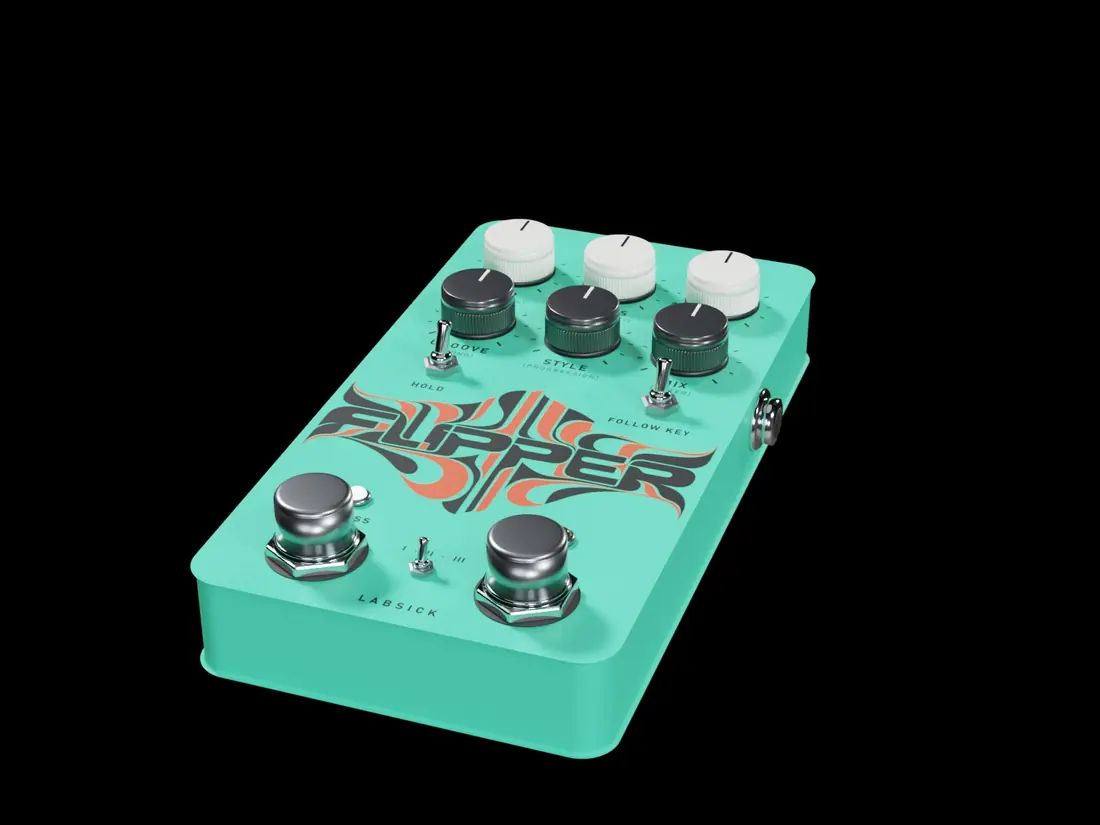
A sample flipper that cuts like a producer at a sampler, live: what stays in order is your loop as it plays, and the pieces it moves come from this bar or the two before, on the grid of your song: bars re-ordered, a beat repeated, the sampler stab, a stutter fill. It starts chopping in the second bar and follows a new loop at once. Harmony lock: a piece only goes where the loop itself has the same chord, so the flip always fits the bass and everything else in your track. Always in time and in key.
The six knobs
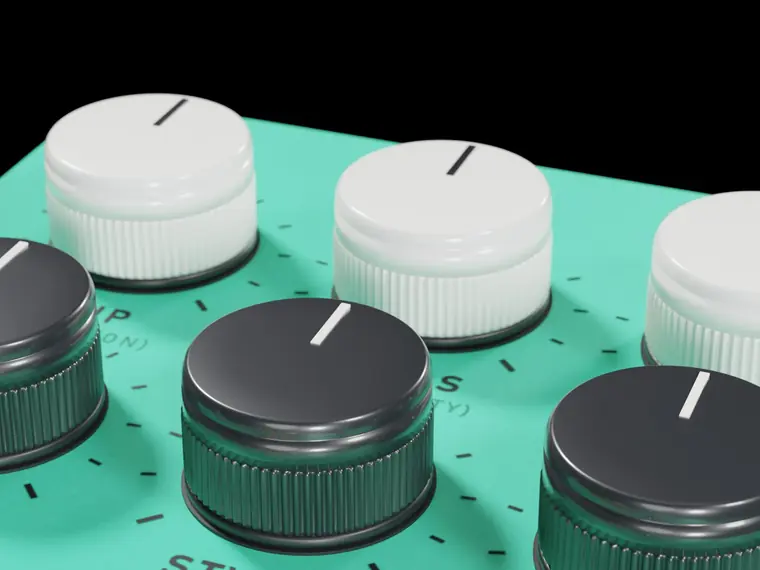
Each knob has a second control under SHIFT.
| 1 | Flip How far the flip goes: In order, Phrases, Flipped, Wild. | SHIFT · Variation How much the flip changes between phrases. |
| 2 | Chops Size of the pieces: Long, Beats, Eighths. | SHIFT · Sensitivity How soft an attack still counts as a place to cut. |
| 3 | Fills How often a section ends in a fill: Off, every 16 bars, every 8. | SHIFT · Stutter The fill's stutter: Auto (by mode), 1/8, 1/16, 1/32. |
| 4 | Groove Hand-played looseness. | SHIFT · Swing Swing of the fills, 50 to 75 %. |
| 5 | Style The flavour of the moves: Soul, Boom bap, Trap, Lo-fi, Gospel. | SHIFT · Progression Off, or a new chord progression built from the loop's own half bars. |
| 6 | Mix Flip against the source. | SHIFT · Filter A low-pass on the flip: the filtered loop of soul records. |
Modes
Soul (long pieces), Boom bap (beats, stabs, swing), Chop shop (eighths, stutters, reverses).
Switches and footswitch
- Hold Keeps the current flip.
- Follow key Progressions follow the detected key.
- Flip A new flip from the next bar. Hold it for a second to forget what it heard.
Motion out
A piece starting. Any knob of another pedal can follow it with a thread.
Try this
- Change the loop whenever you like: FLIPPER chops the new one from its second bar and never plays the old one.
- With FLIP at zero the output is exactly your loop.
18 · Trap arps
STARDUST
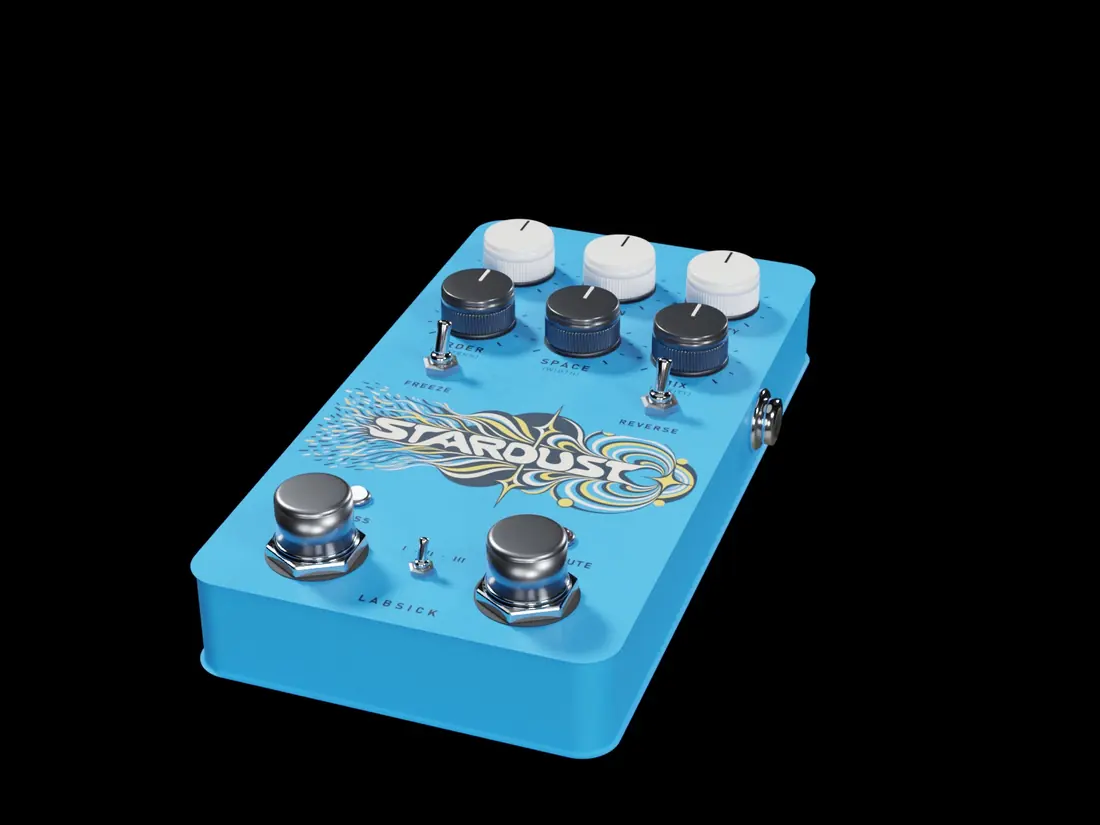
Trap arps made from your own sound. Every note of the arp is a grain of the music itself, moved to a note of the chord BACKTAPE hears and rung through a tuned comb so it sings like a pluck. Eight note orders, accents from trap patterns, and beats that rush from fast to super fast in time with the host.
The six knobs
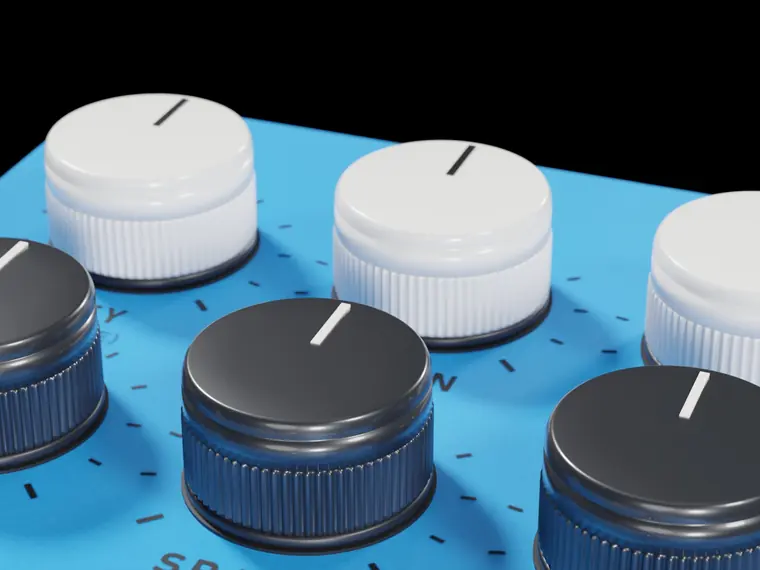
Each knob has a second control under SHIFT.
| 1 | Key Transposes the arp, ±12 semitones. | SHIFT · Scale The notes it may use: Chord, Scale, Pentatonic, Root and fifth. |
| 2 | Grain Length of each note. | SHIFT · Shape Pluck, Round or Soft attack. |
| 3 | Density The step: 1/8, 1/8T, 1/16, 1/16T, 1/32. | SHIFT · Spray How often a beat rushes to double speed. |
| 4 | Order Up, Down, Up-Down, Down-Up, Alternate, Thumb, Octaves, Random walk. | SHIFT · Pattern At Hold one combination stays; turned up, every phrase draws a new one. |
| 5 | Space A short diffusion around the notes. | SHIFT · Width How far left and right the notes are placed. |
| 6 | Mix Arp against the source. | SHIFT · Purity From the raw grain to a pure ringing note. |
Modes
Glass (bright), Gold (warm), Dust (triplet rolls on accents).
Switches and footswitch
- Freeze Stops listening and keeps playing what it holds.
- Reverse The grains play backwards.
- Transmute While held, the step halves and the notes turn pure: a roll on demand.
Motion out
A note starting. Any knob of another pedal can follow it with a thread.
Try this
- Glass with MIX at 35 % over a dark melody is the "glass rain" of trap.
- It goes silent the moment the music stops.
19 · 3D space
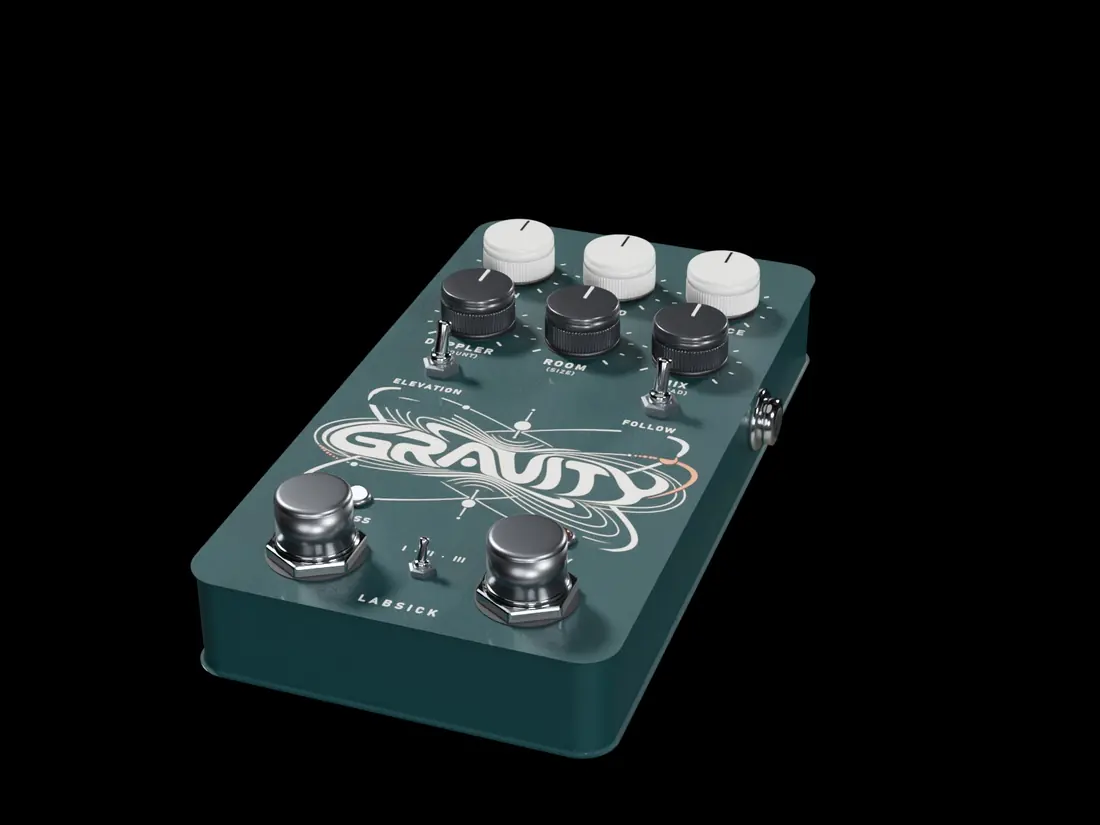
GRAVITY
Sound that flies around you. Your sound becomes a point that travels on a path, in time with the song, with real Doppler, distance, the absorption of the air and a model of the head for headphones. It is gentle by default: a movement in front of you, not a sound thrown from side to side.
The six knobs
Each knob has a second control under SHIFT.
| 1 | Path The path: Orbit, Eight, Fall, Flyby, Random. | SHIFT · Shape How far it travels: from all around your head to gently in front. |
| 2 | Speed Speed, 0.05 to 4 Hz. | SHIFT · Sync Free, or one lap every ½ bar to 8 bars. |
| 3 | Distance How far away the path is, 0.5 to 20 metres. | SHIFT · Air How much the air dulls it with distance. |
| 4 | Doppler The pitch bend of a moving source. | SHIFT · Amount Exaggerates it, up to four times. |
| 5 | Room Early reflections of a room around the path. | SHIFT · Size Size of that room, 3 to 30 metres. |
| 6 | Mix Moving sound against the source. | SHIFT · Head Phones (a head model) or Speakers (mono-compatible). |
Modes
Near, Far, Space (no walls, a long diffuse tail).
Switches and footswitch
- Elevation The path rises above and below you.
- Follow The loudness pushes the movement.
- Flyby One pass brushing your head, whatever the path.
Motion out
The distance right now. Any knob of another pedal can follow it with a thread.
Try this
- GRAVITY's Event into LUMEN Mix: the farther the sound, the more room.
- SHAPE at 20 % is the full lap around your head.